> For the complete documentation index, see [llms.txt](https://docs.aisera.com/llms.txt). Markdown versions of documentation pages are available by appending `.md` to page URLs; this page is available as [Markdown](https://docs.aisera.com/aisera-platform/llm-operations/prompts-studio.md).
# Prompts Studio
In addition to in-house LLM models, the Aisera platform makes LLM fine-tuning more accessible at the enterprise level by enabling you to fine-tune your own models for specific tasks. This fine-tuning ability makes each step in the workflow as simple and transparent as possible.
Aisera’s Generative AI stack includes the **Aisera Prompts Studio:** a no-code interface where:
* You can select from a number of LLMs the one that best fits your needs. Before selecting a model to fine-tune, you should have experimented with prompting different models using Prompts Studio.
* You can define a precise use case for which you need to fine-tune a model.
* The system will guide you through the data preparation process.
* The datasets are linked to use cases and can be tagged with attributes allowing parts of it to be reusable across an organization.
* The Prompts Studio supports generated datasets and human evaluation and feedback to enable human-in-the-loop training approaches.
* You can train a model using default values for the model’s hyper-parameters.
* You can evaluate and compare different fine-tuned models against a number of metrics and get visual feedback on the performance of each model.
* You have access to advanced settings where you can customize the values for the model’s hyper-parameters based on feedback from the evaluation step.
#### Clone and Delete Actions
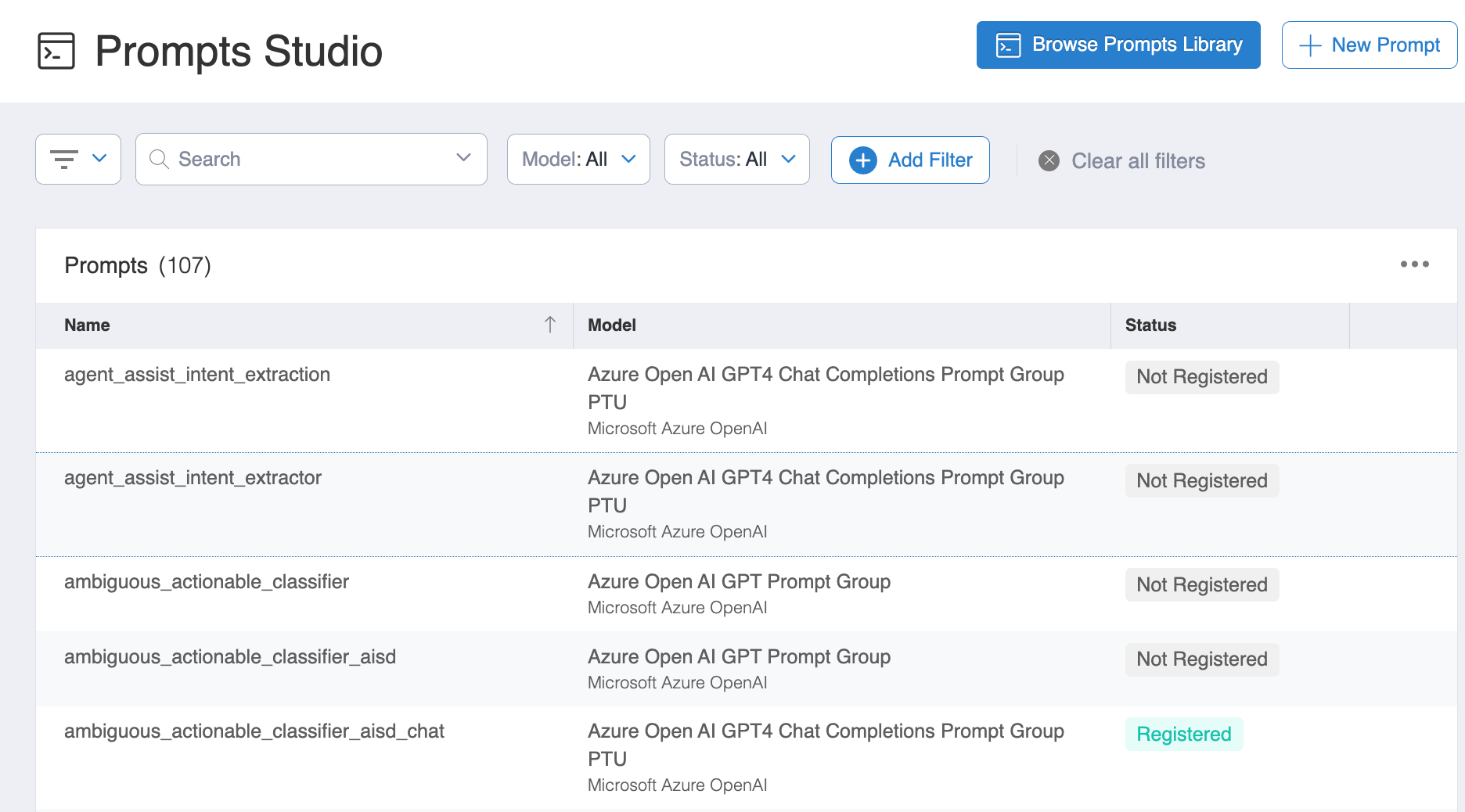
You can use **Clone** and **Delete** actions on specific prompts within the Prompt Studio.
Clone and Delete Actions
The Actions column on the far right side of the table, contains prompt actions for Custom or Tuned prompts. There are no supported actions at this time for Global prompts.\
\
**Supported Actions**
* For Custom prompts, you can Clone and Delete the prompt from the Actions column.
* For Tuned prompts, you can only Delete the prompt from the Actions column; the clone functionality will not be available for Tuned prompts.
### Prompt Playground
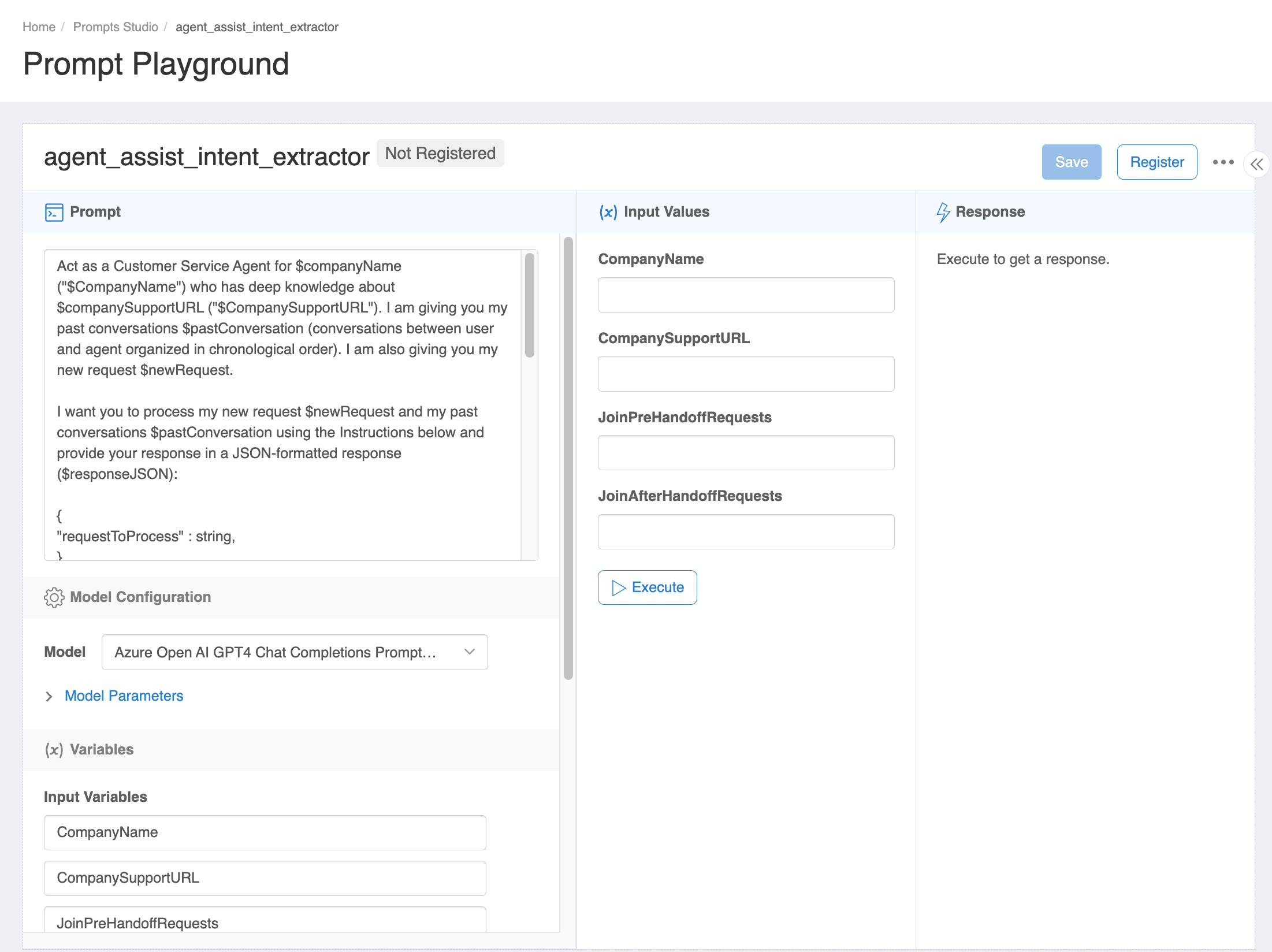
When you select a Prompt, you will open the Prompt Playground where you can see the definition and values for the prompt.
Ability to Edit Prompts
* You can chat with the fine-tuned model to test it before deciding that it’s good enough to be used in an actual application.
### Azure Open AI GPT-5.5 Prompt
If you have the appropriate Administrator permissions, you can now add and edit prompts for Azure Open AI GPT-5.5.